
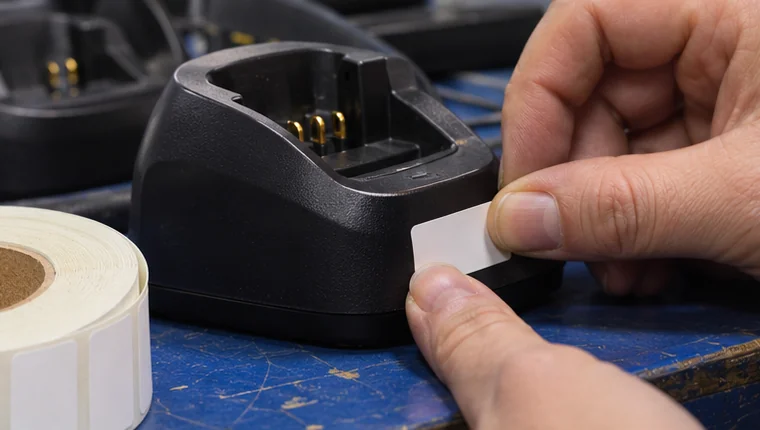
A team has twelve identical chargers and a register with twelve rows. One label has rubbed off and two chargers appear to carry the same number. The next person checking them out needs a simple way to identify the item in their hand and find the right record.
Give each item a short, readable ID
Choose a consistent pattern that works on the equipment and in the register. Keep the asset ID separate from the manufacturer’s serial number. People should be able to read the asset ID at handover and find the serial number later if they need to check an original record.
Put the label where a person can read it in normal use and where it is likely to last. A printed ID next to a QR label gives people a familiar backup if a scan fails. Check that the scan opens the expected record before issuing the item.
Replace worn labels against the original record
Find surviving identifiers or confirm the equipment against another reliable record before printing a replacement. Record when a label was replaced and which ID was used. Leave an unresolved item for the register owner to review if two records might match it.
Example charger label
- Printed asset ID
- CH-017
- Register record
- CH-017 links to the charger’s model, serial number and custody history.
- Replacement check
- Equipment supervisor matches the serial number, reprints the same ID and tests the replacement label.
Test during the next handover
Ask someone receiving equipment to find the record for a labelled item, then check one that needed a replacement. Put any uncertainty back on the register owner’s review list. A usable label is one someone else can match without having to remember the original setup.
FireTrack Pro supports equipment identification by QR label, scan or serial number. Explore the equipment register workflow.
Related articles
Comments
Join or sign in to leave a comment.
Already joined? Sign in
Signed in as
Keep it somewhere private so you can sign in again on another device.