
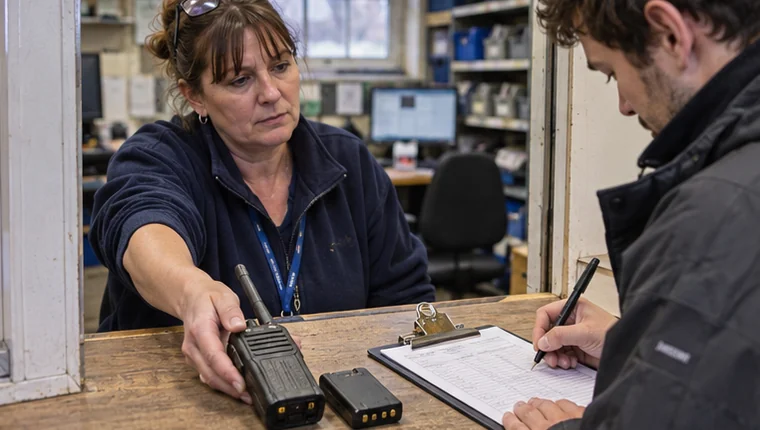
A supervisor issues Radio 027 at the start of a shift. At handover, another supervisor needs to check who has it, when it is due back and whether the spare battery went out with it. A checkout log should answer all three questions from the same entry.
Record the item, the person and the due time
Use the ID printed on the equipment or shown by its QR label. If you keep twenty radios of the same model, the model name will help with purchasing and the asset ID will help you find the specific one you issued.
Record the person taking custody, the staff member issuing the item, and the date and time the handover took place. Add the expected return time or agreed return point in the shift. That due time gives the next person a way to check which issues are still open.
For a kit, note the components you expect back. You can keep a kit checklist for parts that are always included and record any additions or omissions at checkout. Give individually tracked components their own IDs where your register supports it.
Example checkout entry
- Equipment
- Radio 027 and spare battery B-09
- Received by
- Team member 042
- Issued by
- Morning equipment supervisor
- Issued at
- 07:02, 20 November
- Due back
- 19:00, 20 November
- Condition at issue
- Radio casing marked on lower corner. Battery included.
Complete the record when the kit comes back
Add the actual return time, who accepted it and the condition observed. If the radio has come back and the spare battery is still outstanding, record those outcomes separately. The team should be able to see exactly which item needs follow-up.
If an item comes back with a fault, record the reported symptom against its asset ID and leave its inspection status visible.
See if the next supervisor can use the log
Ask the incoming supervisor to find each issued item from the record alone. They should be able to see the holder, whether the issue is still open and any part of the kit that needs attention.
FireTrack Pro supports asset identification, equipment issue and return records, and review of outstanding custody. Explore the equipment checkout workflow.
Related articles
Comments
Join or sign in to leave a comment.
Already joined? Sign in
Signed in as
Keep it somewhere private so you can sign in again on another device.