
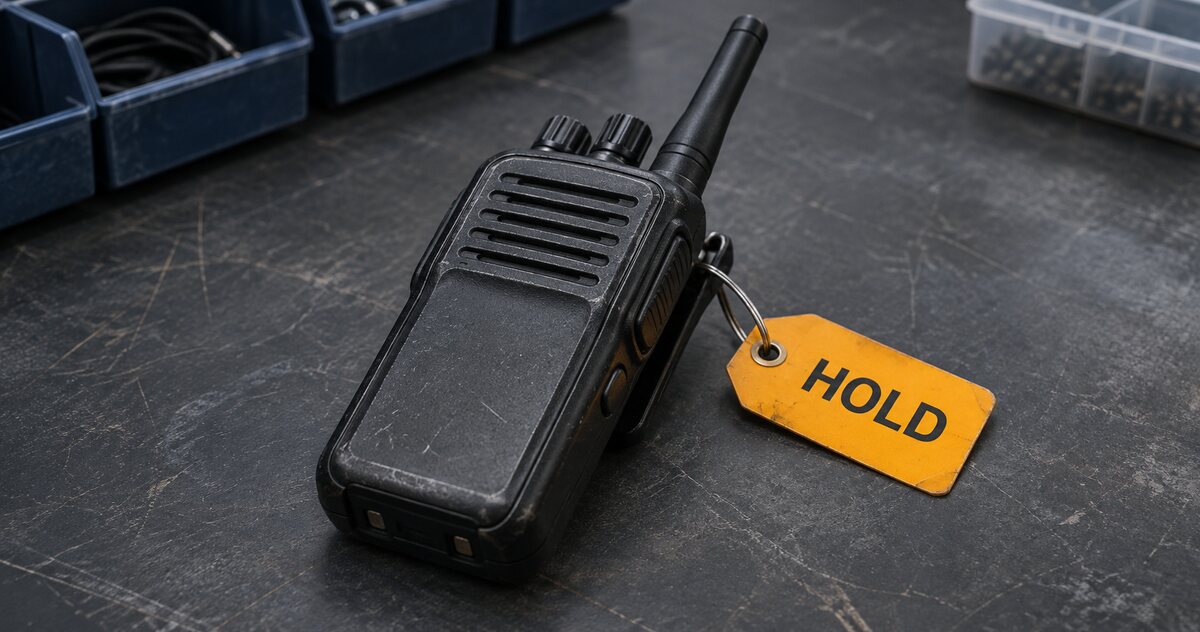
At 18:42, an officer hands back Radio 014 and reports that the audio cut out twice. By the time the night team starts collecting equipment, the supervisor who received it has left. The next supervisor needs to see whether the radio is available, where it is and who is following up.
Link the return and the fault to the same asset ID. The return confirms when the radio came back. The fault record carries the information people need before they can issue it again.
Record what the officer observed
Use the asset ID from the register and note the time the radio came back. Ask what they noticed, when it happened and whether it happened more than once. “Receive audio cut out twice during the shift” gives the person checking the radio a symptom to investigate. If the radio is awaiting a check, record that as its inspection status.
Great Britain’s Health and Safety Executive recommends a way for staff to report damaged or faulty work equipment and says a competent person should carry out maintenance. Read the HSE guidance on equipment maintenance.
Make the next action visible
When you place a radio on hold, mark it unavailable for issue and record where it is being kept. Give the follow-up to a named person or a role the next shift can identify, with a time to check progress. If you issue a spare, give it a checkout entry under its own asset ID.
Example fault record
- Asset
- Radio 014
- Returned
- 18:42
- Reported symptom
- Receive audio cut out twice during the shift
- Status and location
- On hold and awaiting inspection. Kept on the equipment returns shelf.
- Follow-up
- Equipment supervisor to arrange inspection and update the record by 10:00 the next day
- Replacement
- Radio 021 issued on its own checkout record
Download the radio handover form (PDF). Page one shows both records. Page two is a blank handover note you can fill in.
If you look after kit between shifts, follow StartMadeSimple on LinkedIn for more handover templates.
Keep the release decision with the fault
When a person authorised under your equipment procedure reviews the radio, record who checked it, what they checked, when they did it and their decision. Update the availability in the register and keep the original fault report in the item’s history. The next reviewer can use that history if the same symptom comes back.
Give a supervisor who missed the return just the asset ID. Can they tell whether the radio can go out, where it is and who owns the next action? Put any answer that requires a phone call in the equipment register.
See the equipment return workflow in FireTrack Pro
FireTrack Pro supports recording return condition, holding equipment for inspection, tracking repair work and recording the release after inspection.
Explore equipment checkout and returns or open the FireTrack Pro demo.
Related articles
Comments
Join or sign in to leave a comment.
Already joined? Sign in
Signed in as
Keep it somewhere private so you can sign in again on another device.