
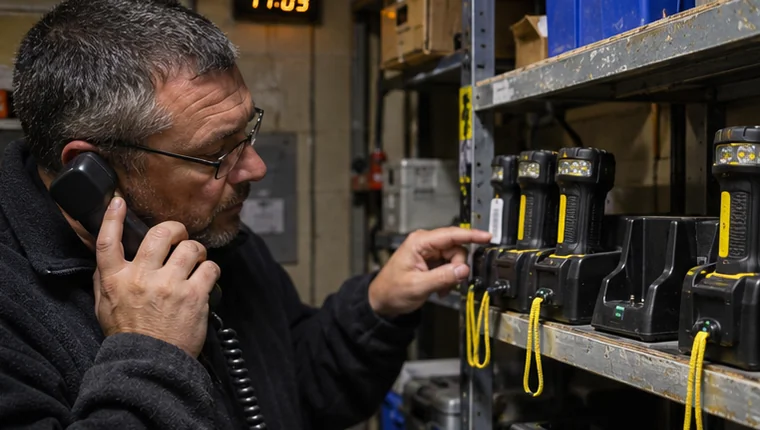
At 18:30, a torch is due back in the shared equipment store. The register still shows it with the afternoon shift. By the time someone notices the open entry, the shift supervisor is packing up. Give that outstanding item a recorded next step before the handover finishes.
Check the last confirmed entry
Find the exact equipment ID and check who last accepted custody, the agreed return time and whether anybody logged a handover or extension. When several teams use identical equipment, searching by the ID is much quicker than asking whether “the torch” came back.
If someone says they handed it to a colleague, confirm the handover with the receiving person before updating custody. Record the time you confirmed it. If the whereabouts are still uncertain, leave the return open and note what you have checked so far.
Leave a follow-up the next shift can act on
Put the owner and the next check time on the outstanding entry. If there is an agreed extension, keep the original due time visible and note when and by whom the extension was agreed. The next supervisor can see why the item is still out and when the team should check again.
Use your organisation’s escalation procedure if the owner cannot confirm the location or the revised deadline passes. Keep the entry open through the review and add new information as people confirm it.
Example overdue return
- Item
- Torch T-08
- Originally due
- 18:30
- Last confirmed
- At 18:45 the holder confirmed the torch was still with them.
- Agreed return
- 19:15
- Follow-up
- Evening equipment supervisor to check the return at 19:15.
- Outcome
- Returned at 19:11. Condition checked and the entry closed.
Close the entry with a timestamp and condition
When the item comes back, record the actual time, who received it and its condition. Keep the extension and follow-up in the history. If the item has moved to another team, record that transfer under your usual handover process so the register shows the new holder.
FireTrack Pro lets teams review outstanding custody and flag items for follow-up. You can review an open checkout and see what the incoming supervisor would have to follow up. Review the equipment custody workflow.
Related articles
Comments
Join or sign in to leave a comment.
Already joined? Sign in
Signed in as
Keep it somewhere private so you can sign in again on another device.